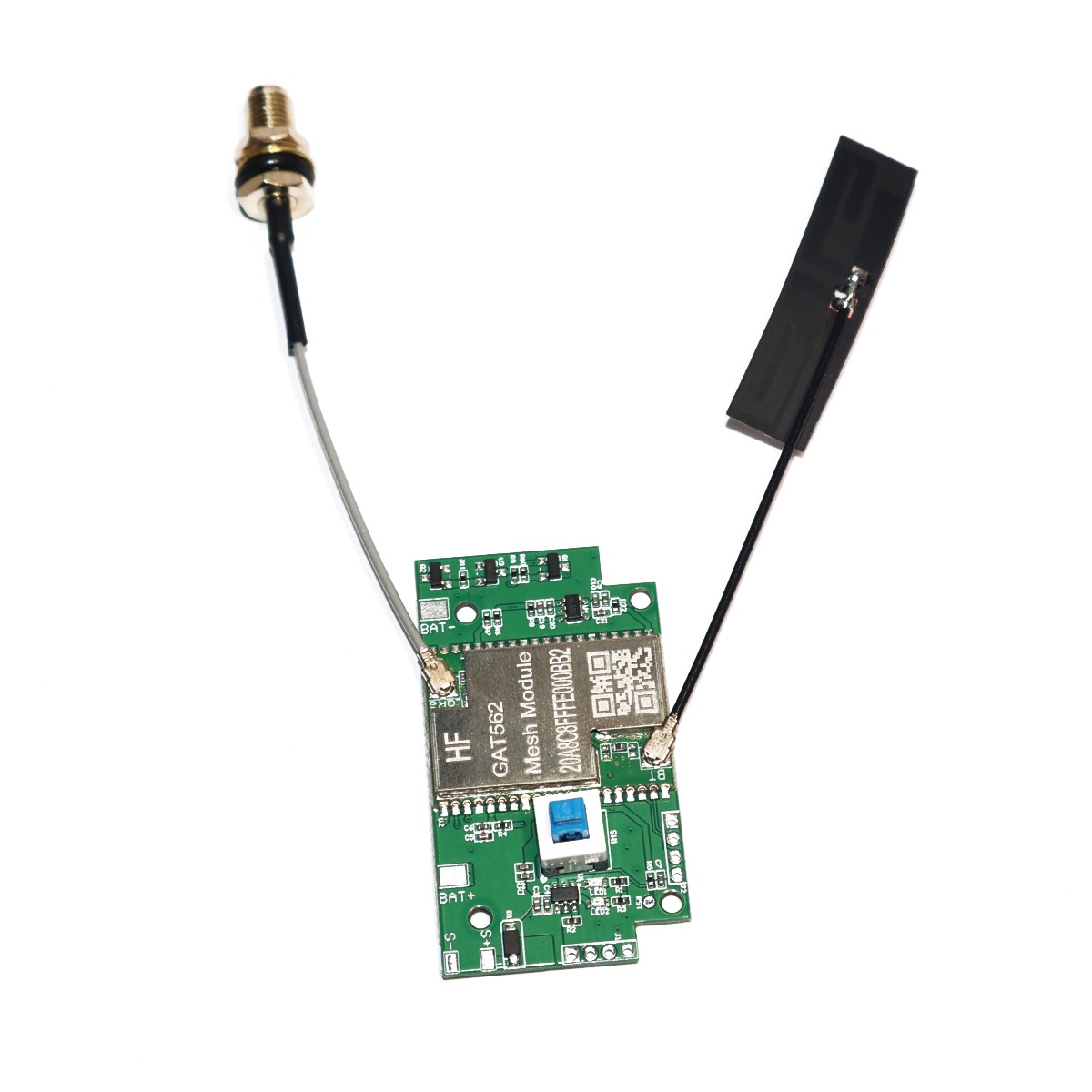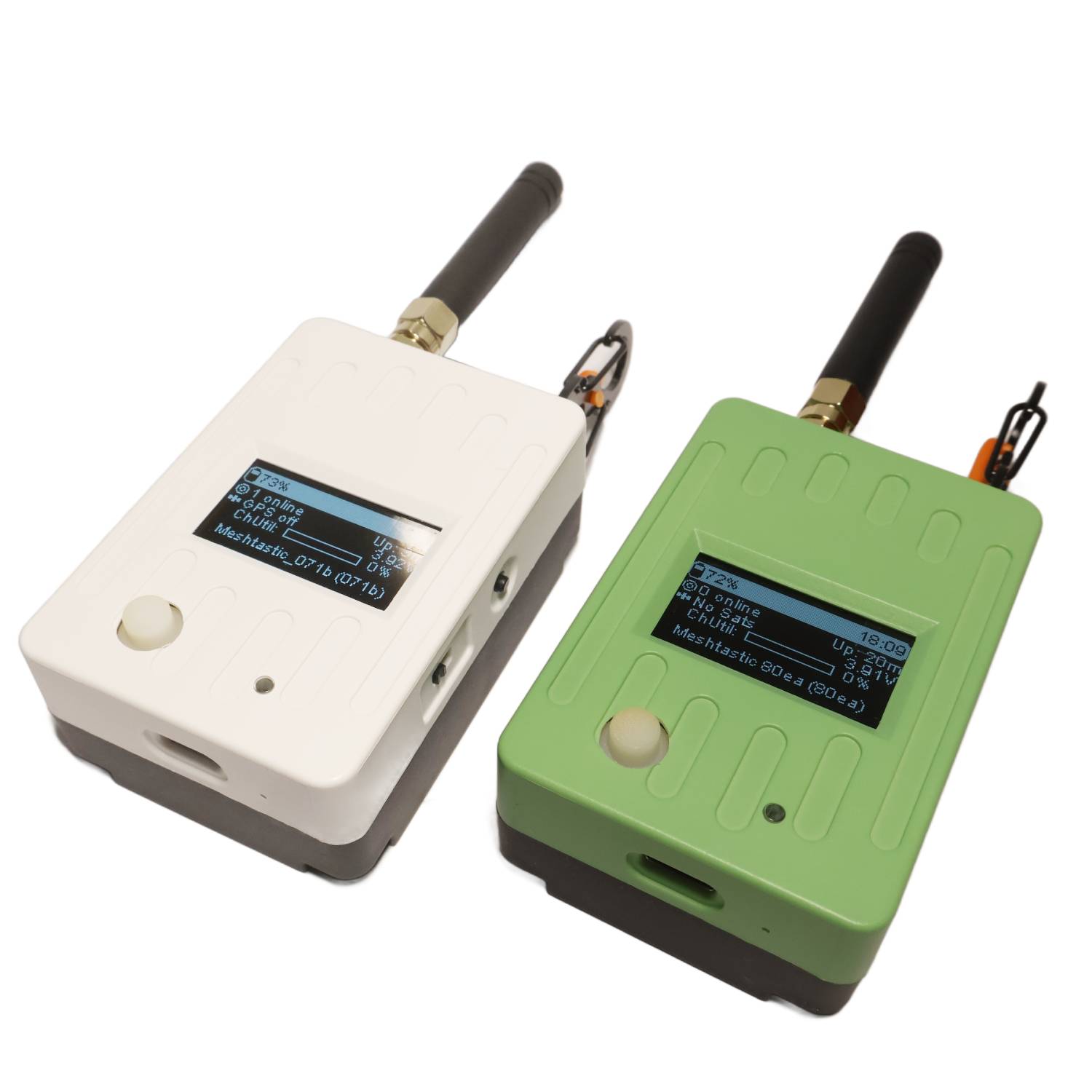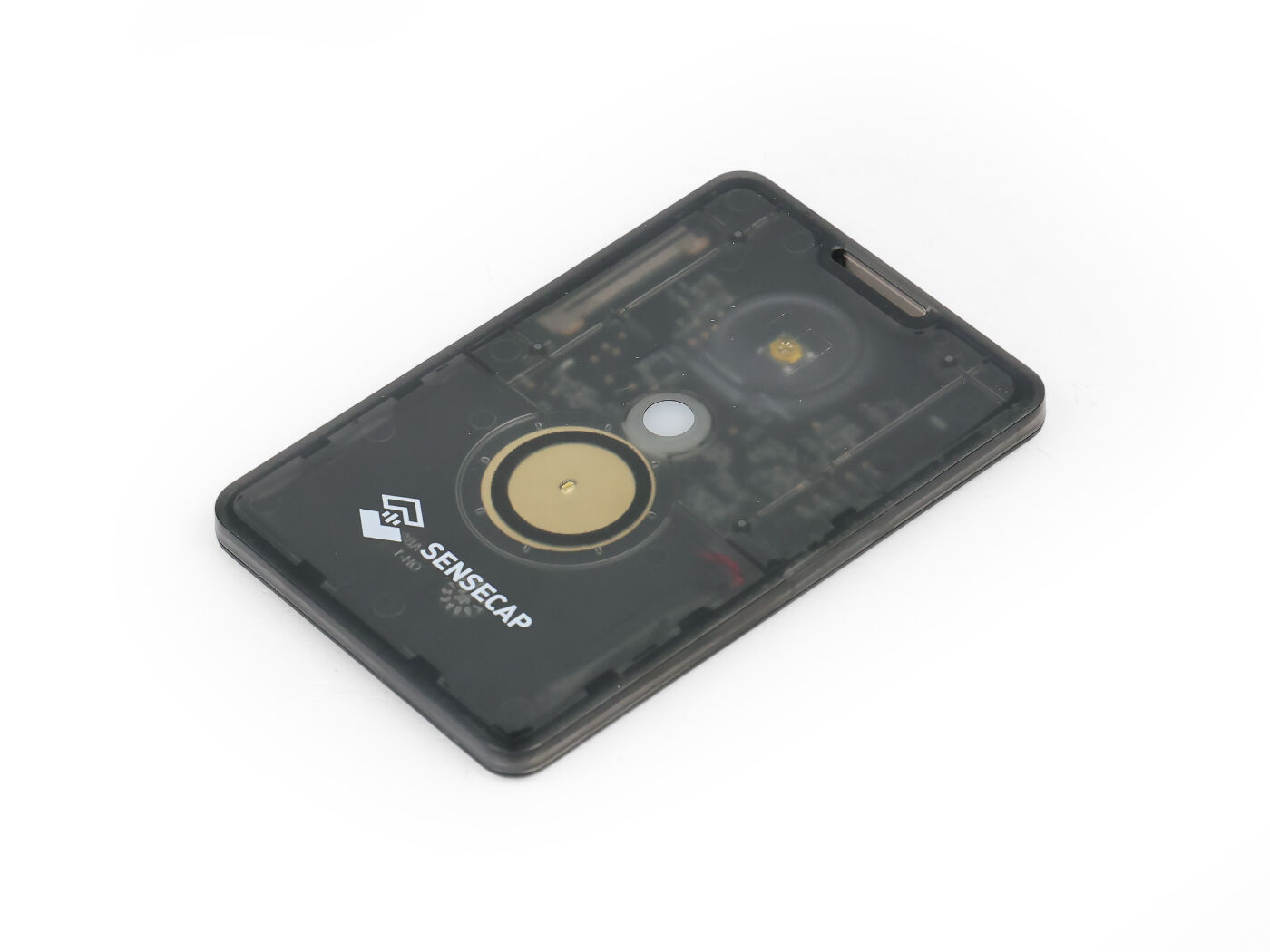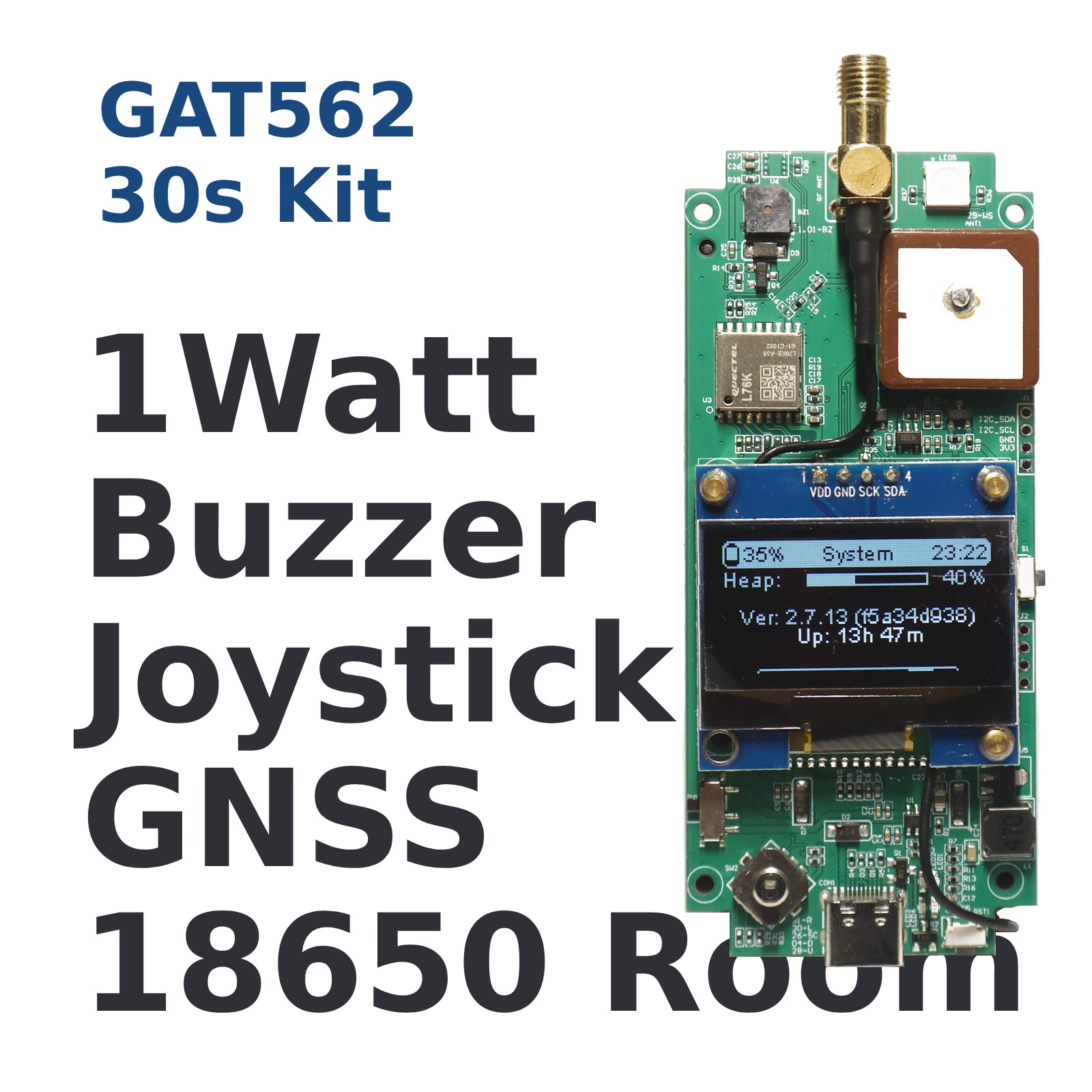
The GAT562 Mesh Tracker is an advanced off-grid communication device featuring: Core Technology nRF52840 chipset for Bluetooth 5.0 connectivity SX1262 LoRa radio for long-range communication 1.3″ TFT display for clear information viewing 5020 PWM Buzzer for customized message ringtone RGB LED for changeable message indicator 2×18650 Battery Shell for replaceable battery Specifications Processor: nRF52840 (Bluetooth 5.0) Radio: SX1262 (LoRa) Power: 2500mAh Li-ion battery Display: 1.3-inch TFT Range: 107 km (terrain dependent) How to flash firmware Download Meshtastic Firmware Visit https://github.com/mtoolstec/mt-firmware and download the latest released zip Unzip the unified zip and find firmware-gat562_mesh_tracker_pro-xxxxxxx.uf2 Flash MeshCore Firmware visit https://ssaprus.works/ and follow the web instruction to install WhisperOS via USB Drag & Drop UF2 Connect to USB Power on with side button pressed Drag and drop uf2 firmware to device Bluetooth OTA Power on with Joystick pressed Use MTools BLE or nRF52 DFU App to connect device One-click to download and start DFU FAQ on GAT562 30s Q: Can run Meshtastic or MeshCore at the same time? A: Nope. The device can only run one kind of Firmware at same time. Q: Can I switch between Meshtastic or MeshCore Powered firmware with Bluetooth A: Yes, it’s easy to do it with MTools BLE App and GAT562 30s with Advanced Bootloader. Q: Why does it 30s Kit keep rebooting when connected to PC via USB? A: PC provides a very low current on 5V output via USB. The power is not enough to sent 1W signal. Just install 18650 battery or connect to a powerful and stable 5V power will be steady. Use Cases Outdoor adventures Emergency communication IoT development Remote area connectivity 3D Printing Housing https://makerworld.com/en/models/1971757-gat562-30s-housing#profileId-2120099 Related Guide: GAT562 30s TX Power Settings & Actual Output Power at 869 MHz — Complete Reference �� Browser-Based Firmware Flasher Flash the latest firmware to your GAT562 30s device directly in Chrome/Edge — no software install required. �� Open Web Flasher Supports nRF52840-based devices (GAT562 30s series) Works in Chrome / Edge desktop (Web Serial API required) One-click flash — no drivers, no CLI tools needed