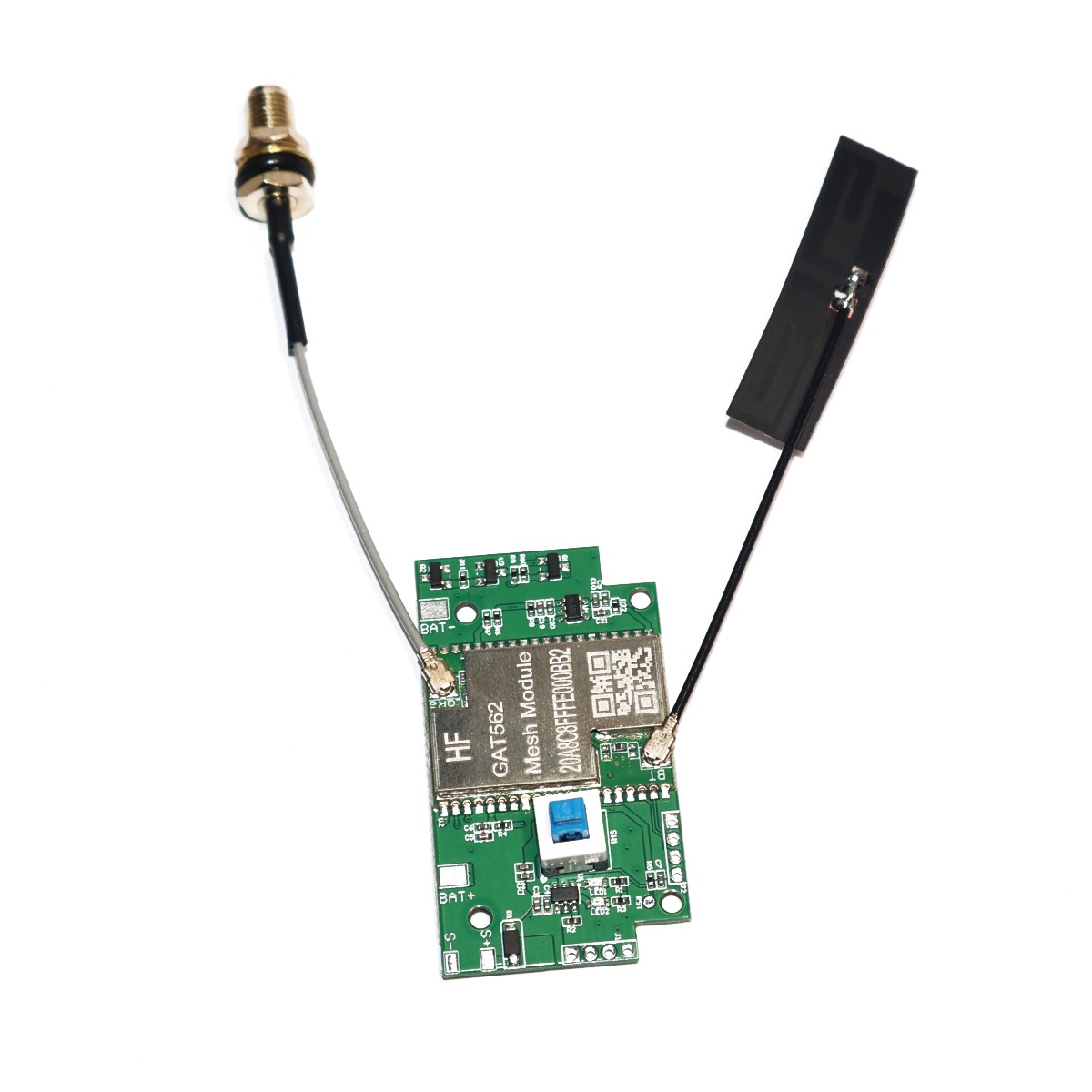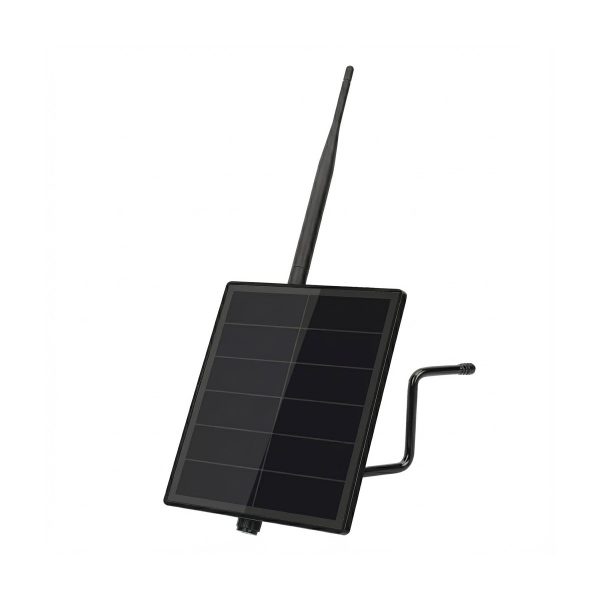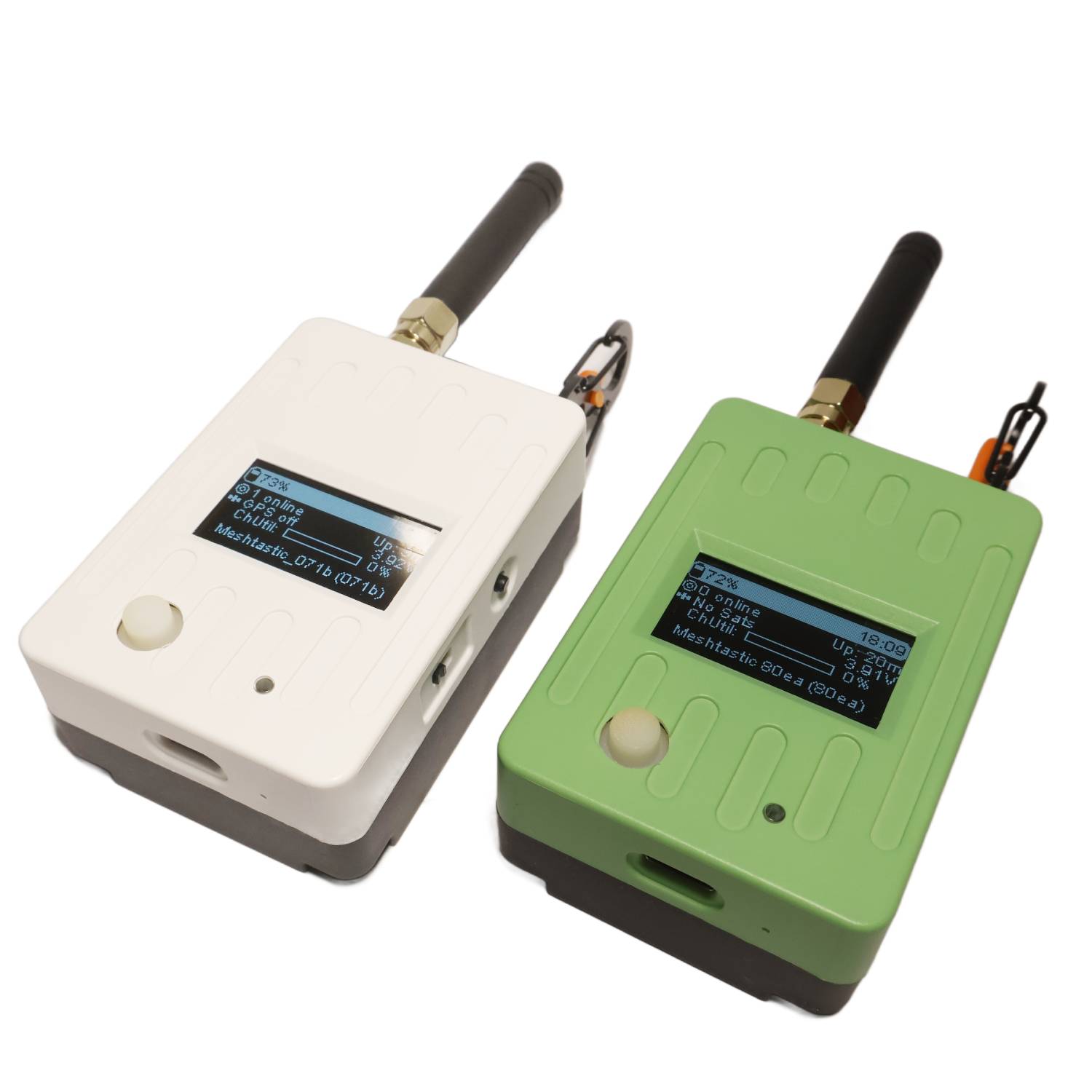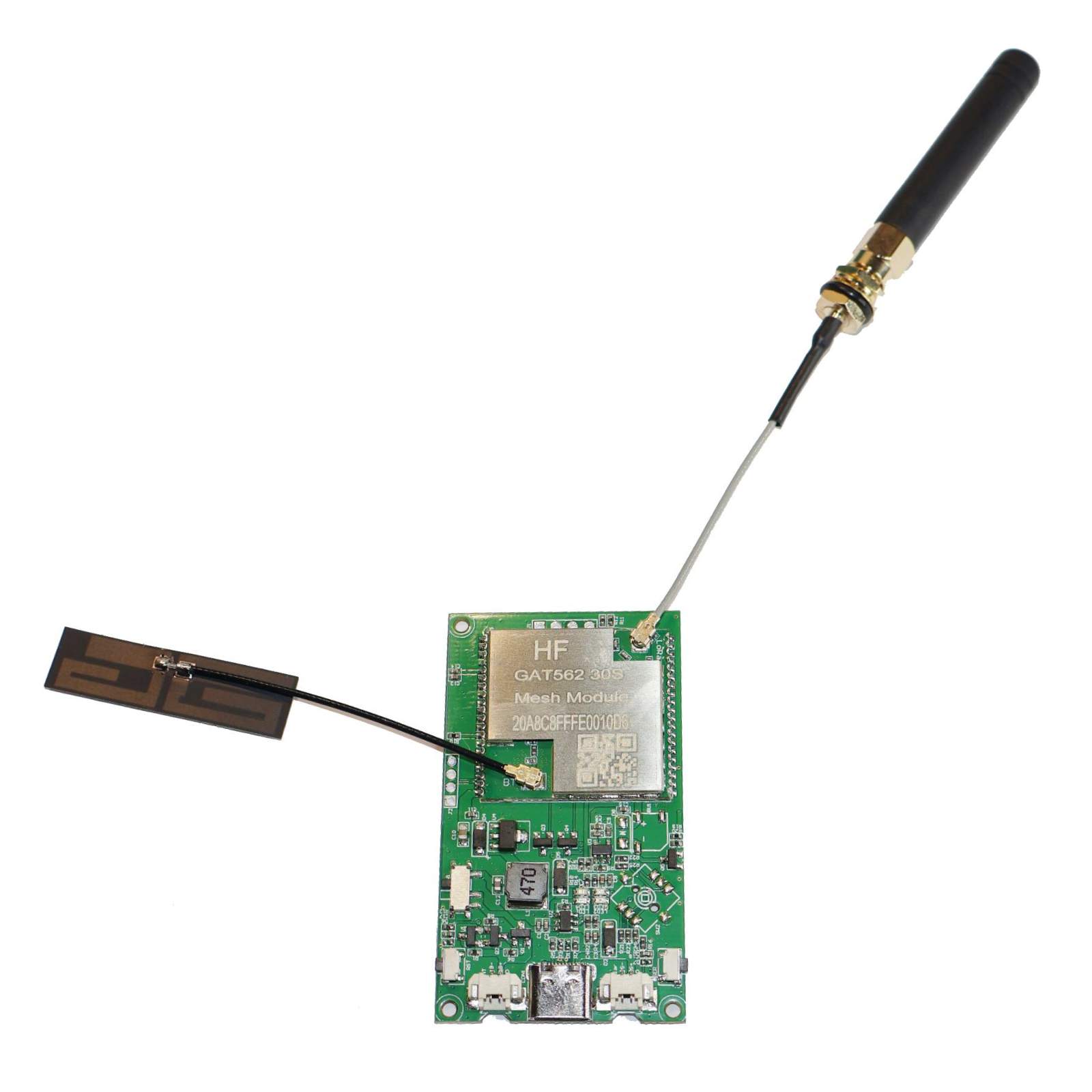
GAT562 30s Mesh Solar Repeater is based on customized PCB and GAT562 30s Module. Key Features Built-in PA and up to 1W 33dBm output Built-in LoRa and Bluetooth IPEX connector Reserved pads for Buzzer and Joystick GTA562 30s Lora Node Module is a module based on the nRF52840 and SX1262, supporting both Bluetooth and LoRa communication modes. Power Input Battery Input(Left): 3.7V – 4.2V Solar Power Input(Right): 4.5V – 5.5V Size Comparision Meshtiny vs 30s DIY Kit vs GAT562 30s Notice Battery is not included. DIY Kit components are not soldered. Please connect to battery when sending Advert via USB. The currecy provided by USB is not enough to send the 30dBm power. Related Guide: GAT562 30s TX Power Settings & Actual Output Power at 869 MHz — Complete Reference GAT562 30s Pod Case Link: https://makerworld.com.cn/zh/models/2421467-gat562-podwai-ke Step File Download Link: https://dl.mtoolstec.com/gat562/gat562-30s-mesh-pod.step How to Setup MeshCore Repeater on GAT562 30s Solar The GAT562 30s Solar Repeater supports MeshCore firmware. Follow the steps below to flash and configure it as a MeshCore Repeater. Step 1: Flash MeshCore Repeater Firmware Download the latest Repeater Firmware from the MeshCore GitHub Releases page. Find and download the file: GAT562_Mesh_EVB_Pro_repeater-vX.X.X-xxxxxxx.uf2 Enter bootloader mode: Power on the device while holding the User Button with USB connected. The device will appear as a USB drive on your computer. Drag and drop the .uf2 file onto the USB drive. The device will flash and reboot automatically. Tip: You can also use the MeshCore Web Flasher for a browser-based flashing experience. Step 2: Configure the Repeater After flashing, open the MeshCore configuration tool at https://config.meshcore.io/ Connect your device via USB and follow the on-screen instructions to set up your repeater (channel, frequency, node name, etc.). For more information, visit the MeshCore official website. �� Browser-Based Firmware Flasher Flash the latest firmware to your GAT562 30s device directly in Chrome/Edge — no software install required. �� Open Web Flasher Supports nRF52840-based devices (GAT562 30s series) Works in Chrome / Edge desktop (Web Serial API required) One-click flash — no drivers, no CLI tools needed