Dark Fusion Collection,
T1000-E TapTap Firmware – Meshtastic & MeshCore Compatible
$ 5.39
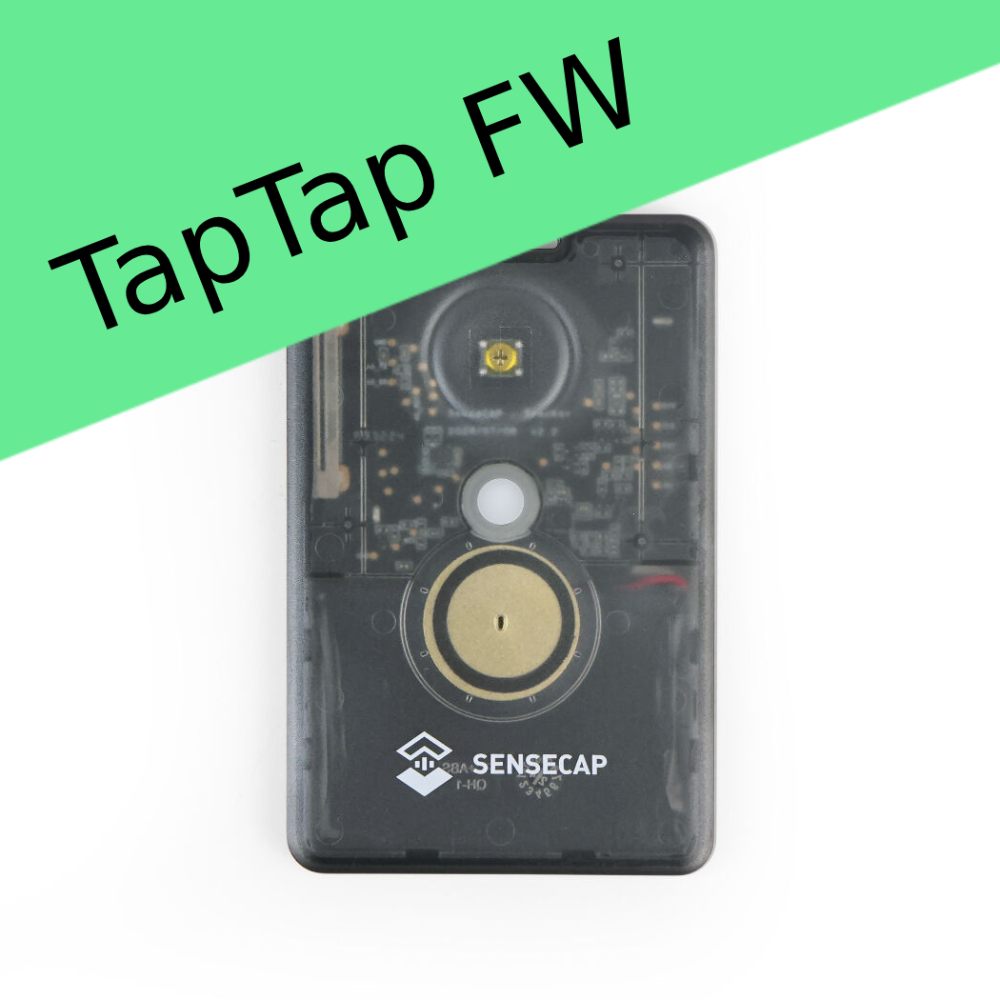
+ Free ShippingHow to use? Double Click to enter the Message Selection Mode. Click button to select message. Long Press to send message. How to select messages? The firmware will play the sound of dot and dash for 0 and 1. They works as binary. 000, 001, 010, 011, 100, 101, 110, 111 stands for the 1 to 8 message. Other Tips Tripple Click to enable/disable GPS If no ation in Message Selection Mode for 10s, it will quit automaticall. Long Press 5s to power off. How to set quick messages? TapTap for Meshtastic(Discontinued) We recommend use Meshtastic CLI to set 8 messages. And print it and stick on T1000E. meshtastic --set-canned-message "All good|Stop and wait|Need assistance|Emergency, send help|Found water|Returning to camp|Running behind|Found the point" TapTap for MeshCore Connect T1000 in App and go to public channel Send /msg? to fetch current messages Send /msg xxx|yyy|zzz|aaa|bbb|ccc|ddd|eee to set new quick messages Text can be printed 000 All good 001 Stop and wait 010 Need assistance 011 Emergency, send help 100 Found water 101 Returning to camp 110 Running behind 111 Found the point How to install the firmware? You’re able to download the uf2 firmware file by after the purchasing. USB cable connect to PC, hold button and quick connect the magnet connector twice. Drag and drop the uf2 firmware to T1000-E disk on your PC. Does it works with the App? Yes, you can still use the Meshtastic or MeshCore App to send and receive the message with T1000E with TapTap Firmware. Notice This product does not include the T1000E devices.